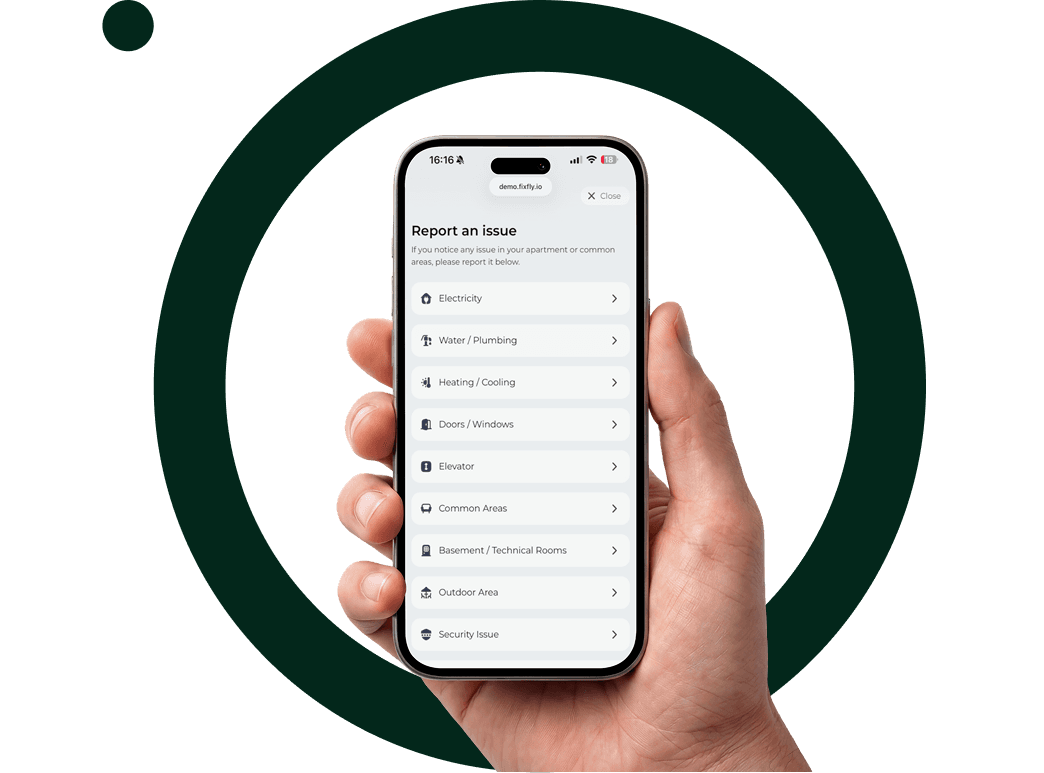
Report Any Issue in Under 30 Seconds.
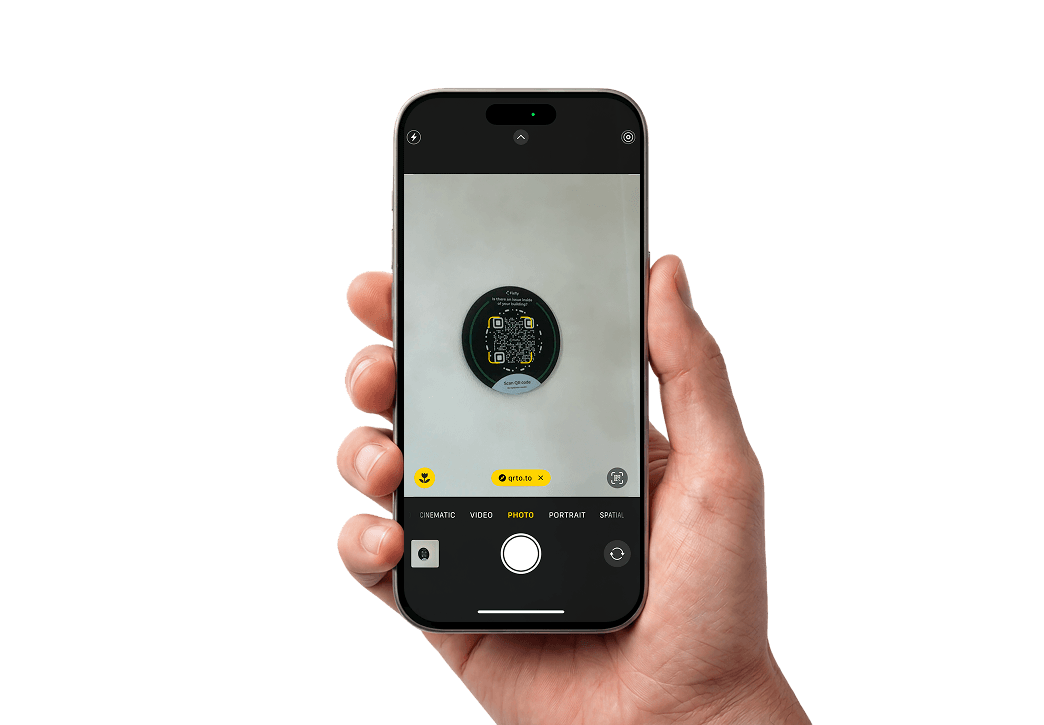
No app download. No account creation. No phone calls. Just scan a QR code and submit a report in seconds — from any device.
See how reporting works in real life
Experience the reporting flow from the user's perspective — simple, fast, and designed for real-world use.
Built for real people in real spaces
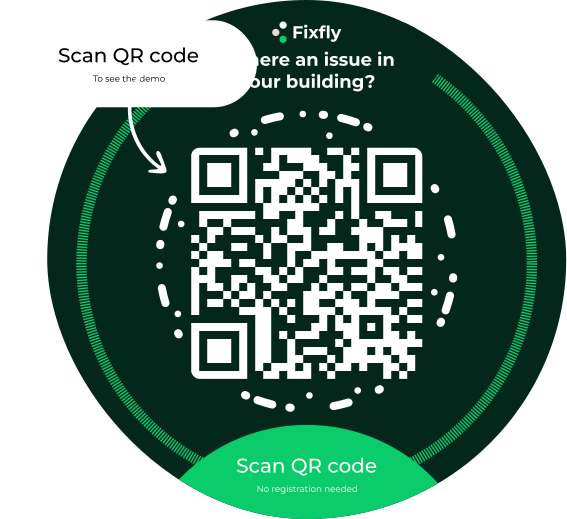
No app required
Works with any smartphone camera. No download, no account, no barrier to reporting.
Under 30 seconds
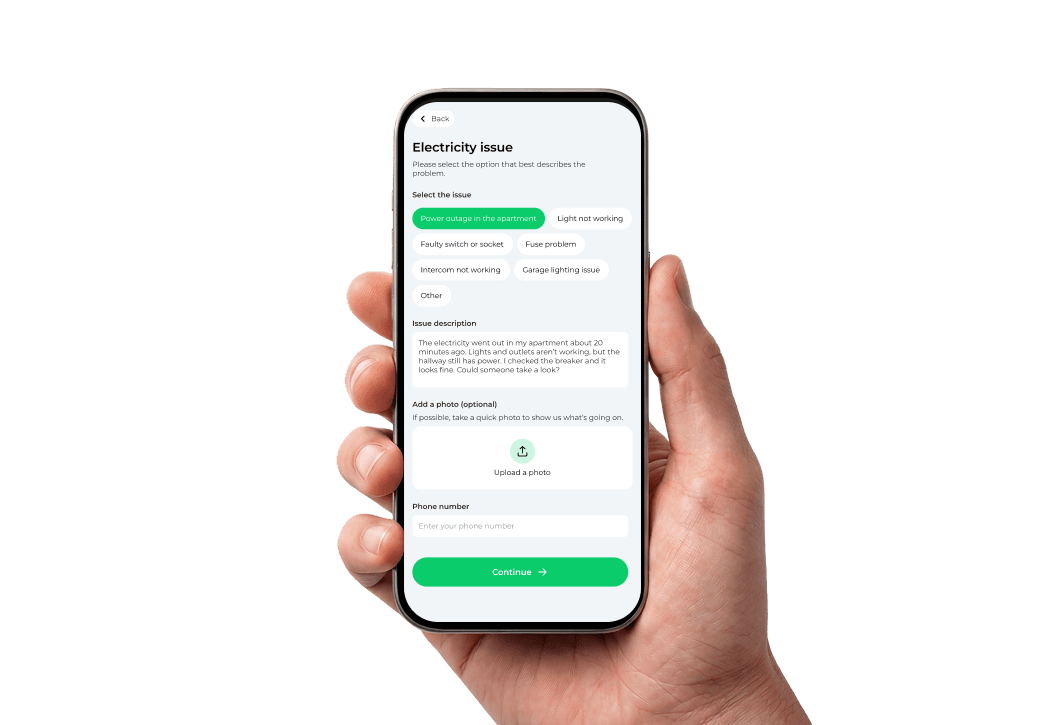
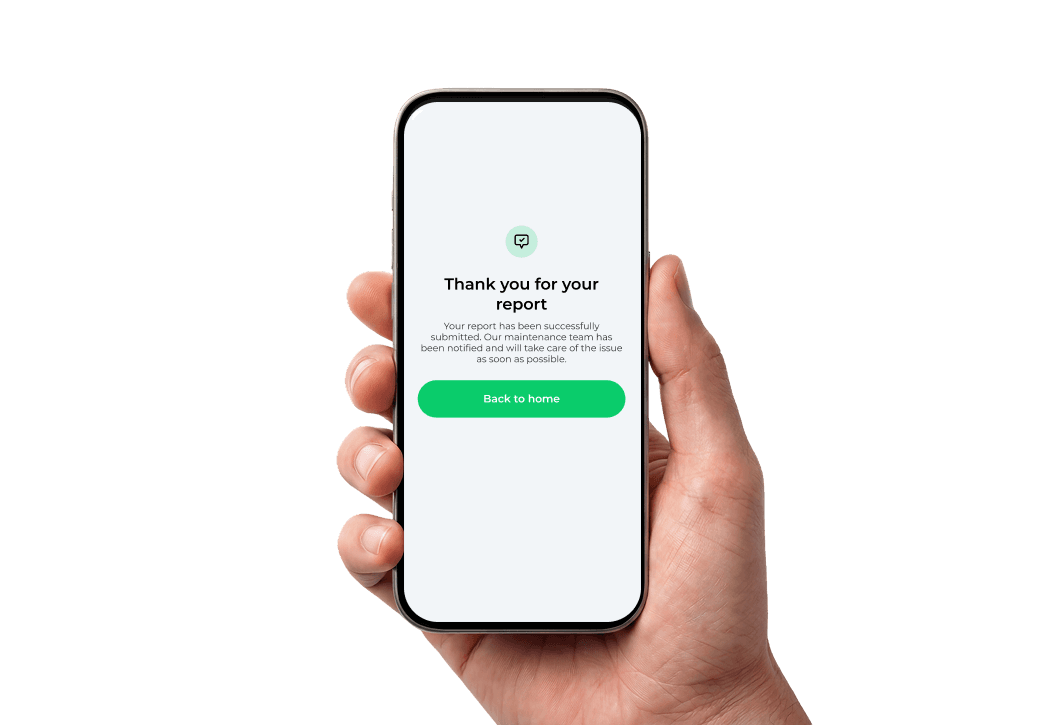
The reporting flow is designed to be as fast as possible. Scan, describe, submit.



Photo upload
Reporters can attach a photo directly from their phone camera to document the issue.
Branded experience
Enterprise customers can white-label the reporting form with their property's branding.
Multi-language
The reporting form supports multiple languages — important for hotels with international guests.
Three steps. Thirty seconds.
Guests, residents, or staff scan the QR code posted in the space. Works with any smartphone camera — no app required.
Where to place your QR codes
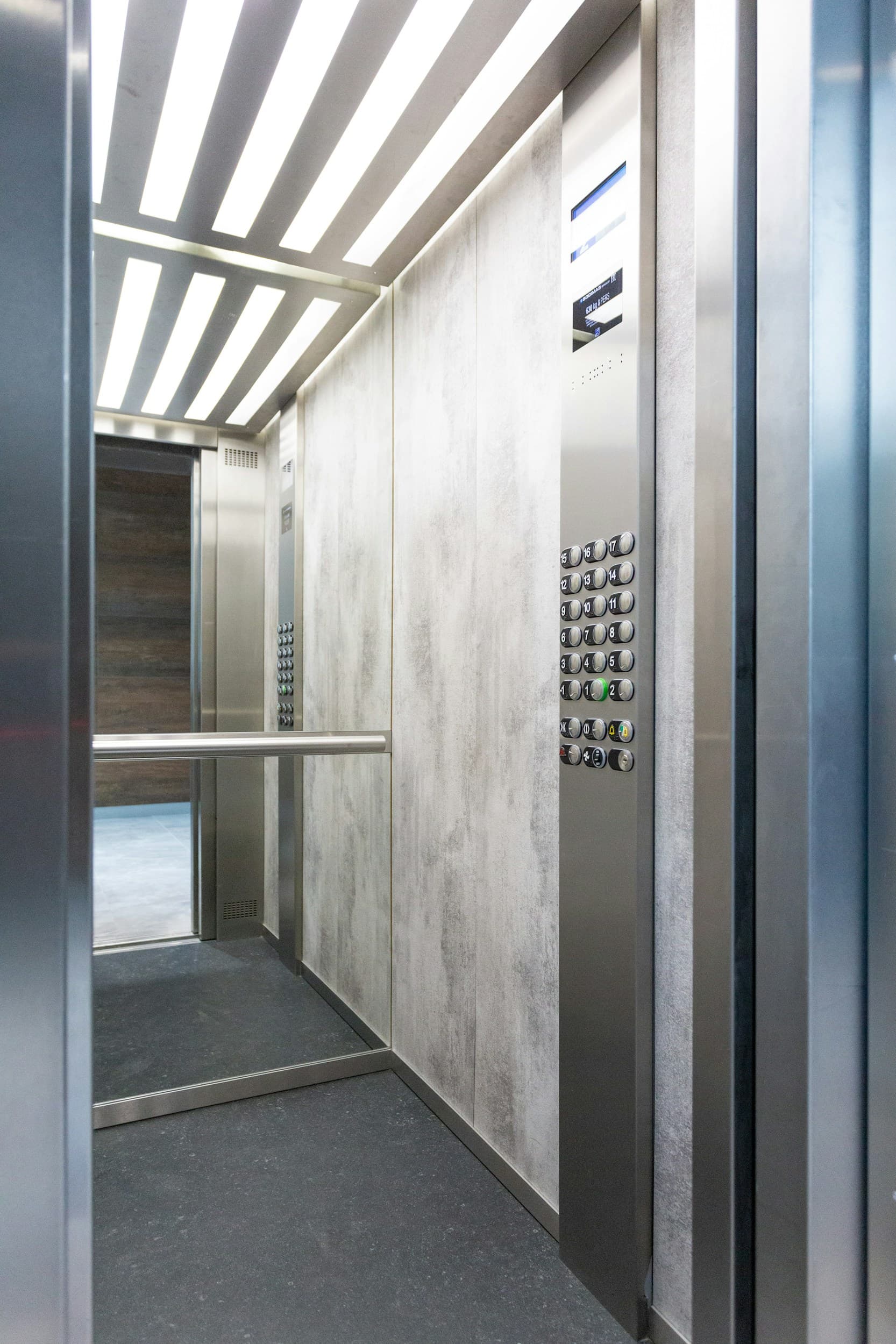
Elevator panels
Place QR codes at eye level inside elevators where residents and guests spend idle time.
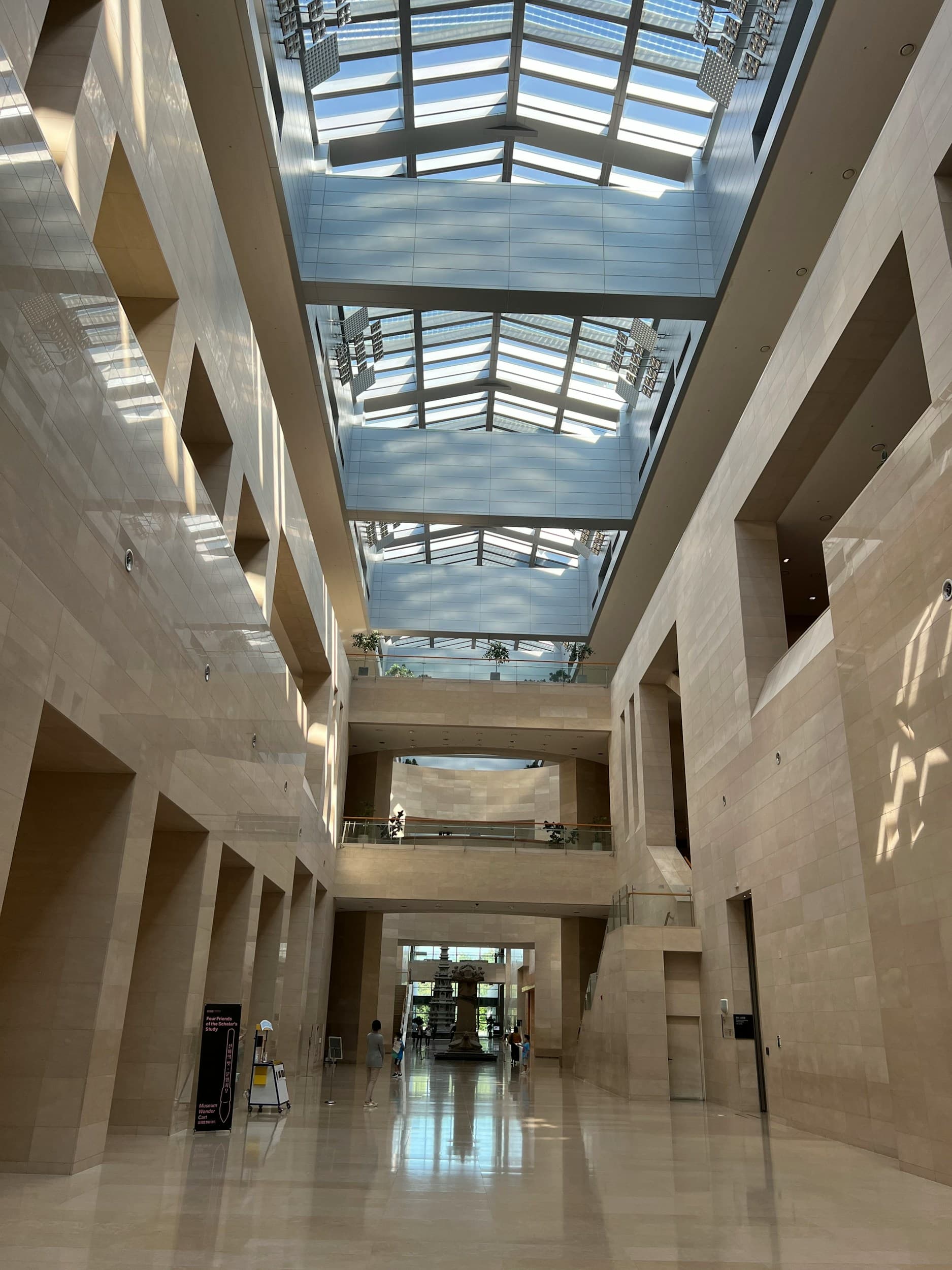
Common area noticeboards
Post QR codes next to lobby bulletin boards alongside other property information.

Equipment stations
Attach waterproof QR codes directly to machines, loading docks, and utility areas.
Frequently Asked Questions
No. The reporting form works entirely in the browser. Reporters just scan the QR code with their phone camera and fill out a short form — no app, no sign-up, no friction.
Yes. Each QR code is tied to a specific location in your property. You can generate and print codes for individual rooms, floors, common areas, or equipment.
Photos are optional. The report will still include the location, issue type, and description. Your team can follow up if more detail is needed.
The report lands instantly in your Fixfly dashboard. Your team gets notified, and the issue can be assigned, tracked, and resolved — all from one place.
Yes. You can customize the form fields to match your workflow — add dropdowns, priority levels, or additional text fields as needed.
Yes. Enterprise customers can white-label the form with their logo, colors, and property name so it feels native to the building experience.